DDD 0.1.1 is on the PowerShell Gallery. It’s a small release: DDD now runs on more versions of PowerShell, works in VS Code’s terminal, and opens glTF scenes that include a camera.
If you haven’t seen what DDD can do yet, start with the 0.1.0 announcement. It covers meshes, lighting, file import/export, and charts, all drawn right in your terminal.
Works on PowerShell 7.4 and 7.5
DDD 0.1.0 needed PowerShell 7.6. When I tried it on a computer that ran the old 0.0.7 preview just fine, it wouldn’t load until I upgraded PowerShell.
A PowerShell module like DDD is built for a specific version of .NET, and it can only load in a PowerShell built on that .NET version or newer. 0.1.0 was built for .NET 10, and PowerShell 7.6 is the only version that uses .NET 10. 0.1.1 is built for .NET 8 instead, which PowerShell 7.4 uses:
PowerShell
.NET
DDD 0.1.0
DDD 0.1.1
7.6
.NET 10
Yes
Yes
7.5
.NET 9
No
Yes
7.4
.NET 8
No
Yes
7.3 and older
.NET 7 and older
No
No
I tested 0.1.1 on PowerShell 7.4, 7.5 and 7.6. If you try it on something older, you now get a clear message telling you PowerShell 7.4 is required, instead of a confusing error about loading a file.
VS Code’s built-in terminal can draw sixel graphics, so you can run Out-3d right next to your code. It’s turned off by default. To turn it on:
Open Settings (Ctrl+,, or Cmd+, on Mac).
Search for terminal.integrated.enableImages and check it. Or add this to your settings.json:"terminal.integrated.enableImages": true
Restart VS Code.
VS Code is now in the list of known-good terminals in the README, in DDD’s setup script, and in the error message Out-3d shows when your terminal can’t draw sixel.
glTF Scenes With a Camera Now Open in Out-3d
In 0.1.0, if a .glb file had a camera in it, piping it to Out-3d failed with “Invalid data type for Out-3d.” The 0.1.0 post worked around it by filtering the camera out with Where-Object.
Now Out-3d skips cameras, so you can pipe a whole scene straight in:
Out-3d doesn’t view the scene from the saved camera yet. It still uses its own auto-rotating view. Using the camera is on the list for a future release.
Almost six years after the preview release, DDD 0.1.0 is on the PowerShell Gallery. This is the biggest update DDD has had. Out-3d has been rebuilt, and DDD now has meshes, shapes, lighting, file import/export and charts.
What is DDD?
“Cross-platform (Windows, Linux, Mac) 3D tools for PowerShell”
DDD is a PowerShell module that adds commands for working with 3D graphics. You create points, meshes, lights and charts with ordinary PowerShell commands, then pipe them to Out-3d to see them.
What’s New in 0.1.0
Out-3d now draws in your terminal. No separate window, and it works the same on Windows, Linux and Mac.
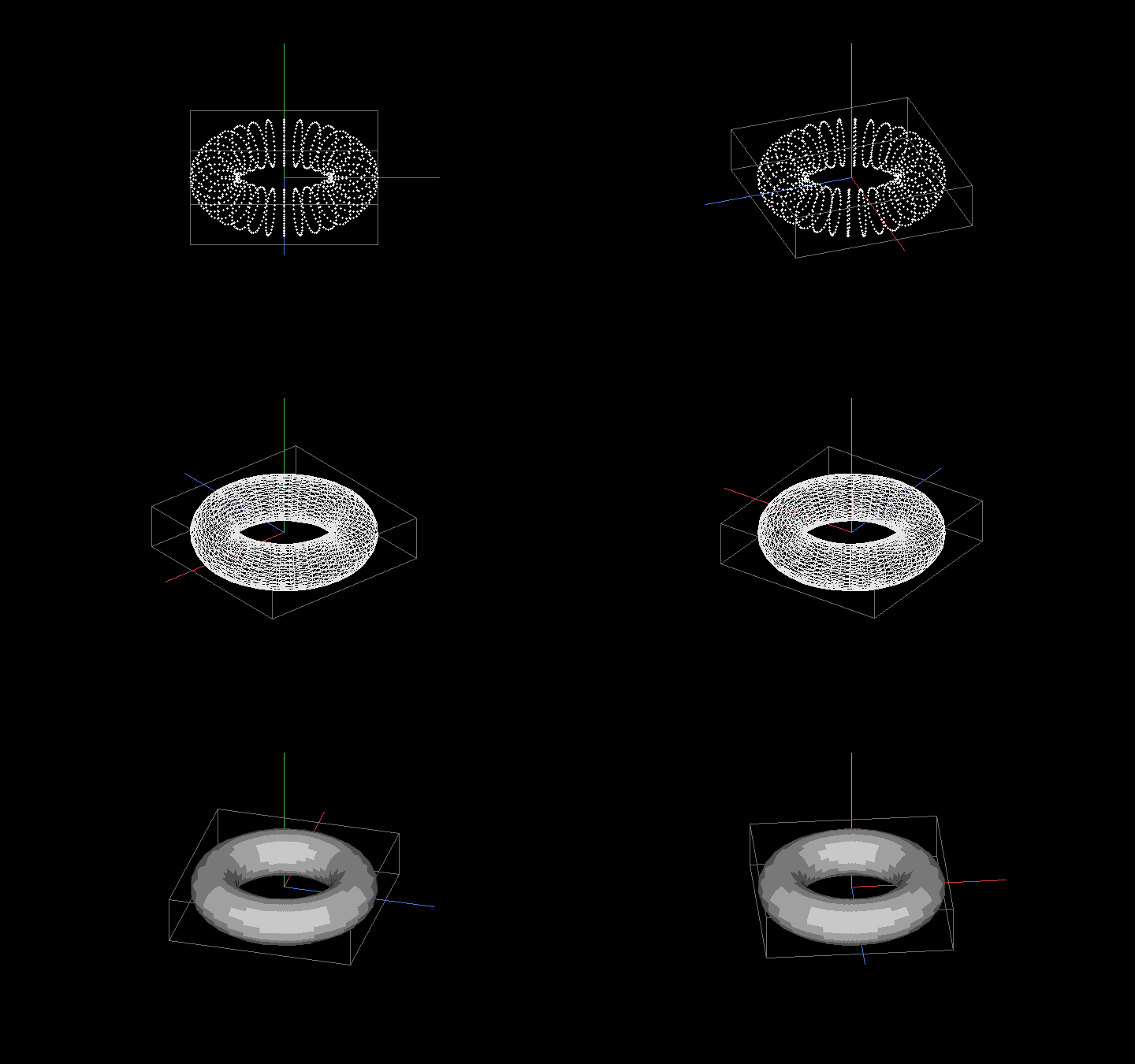
Meshes. Vertices, faces and colors, drawn as points, wireframe or solid.
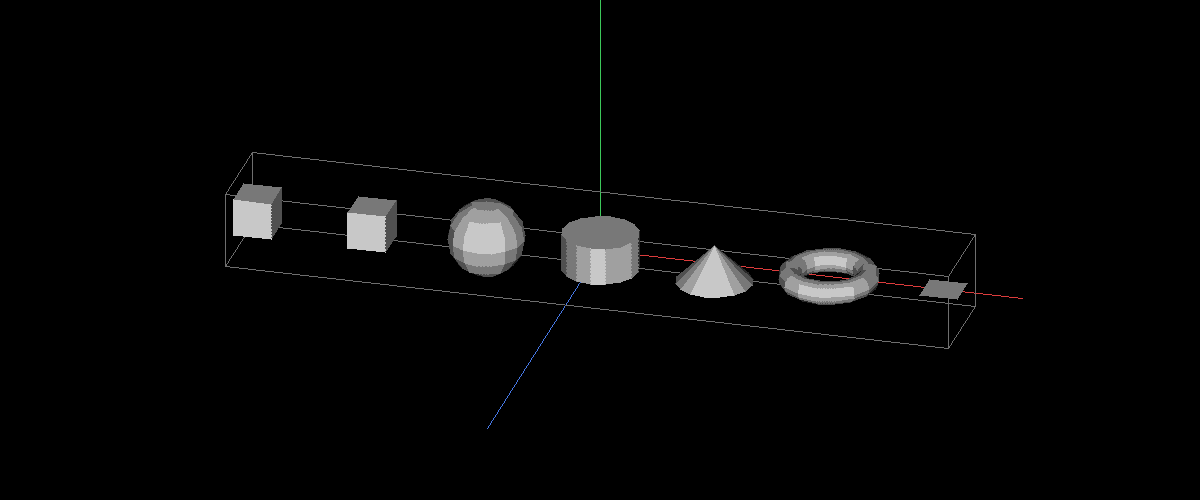
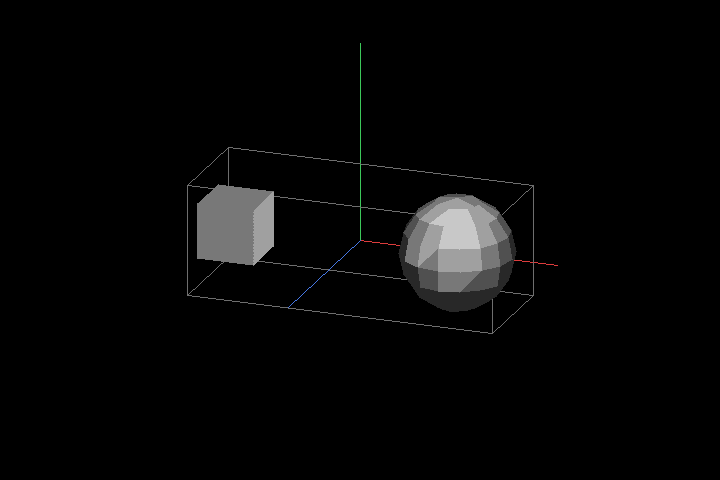
Primitives. Box, cube, sphere, cylinder, cone, torus, and plane, each one command.
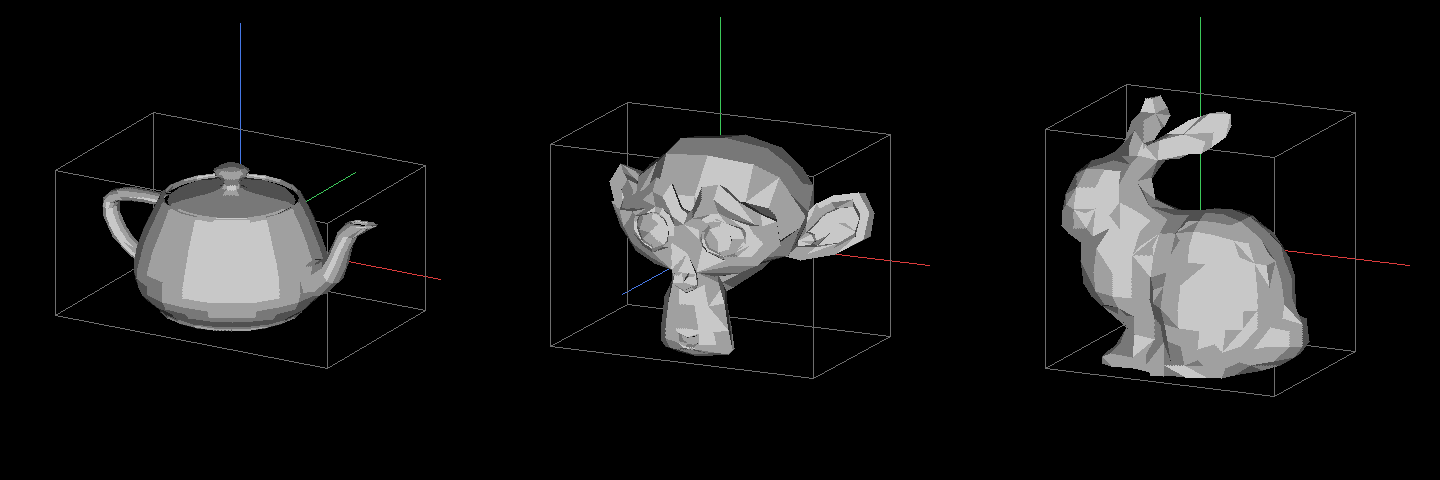
Classic test meshes. The Utah teapot, Blender’s Suzanne, and the Stanford bunny are built in.
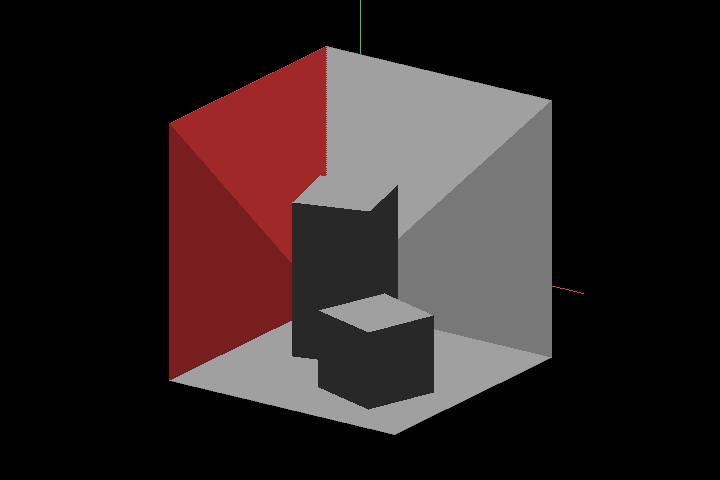
Lights and materials. Real lighting in solid mode, plus the classic Cornell box scene.
File import/export..ply and .glb (glTF).
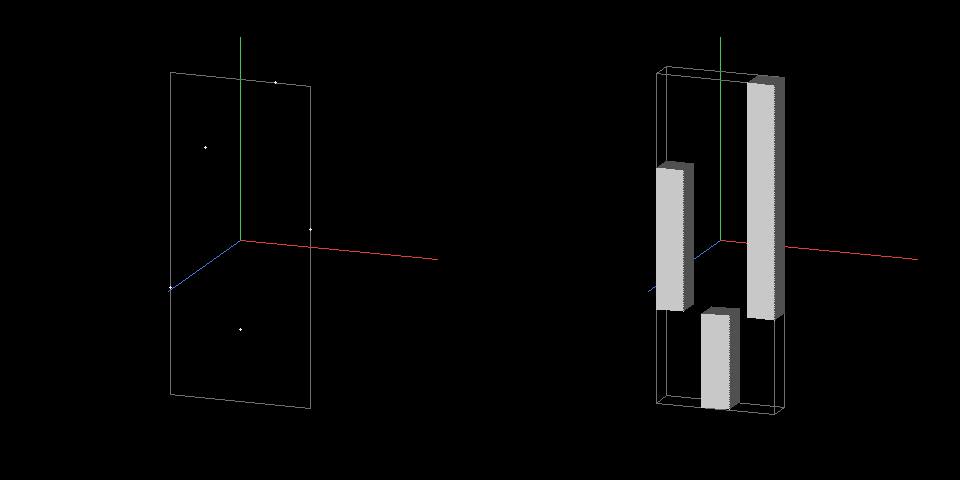
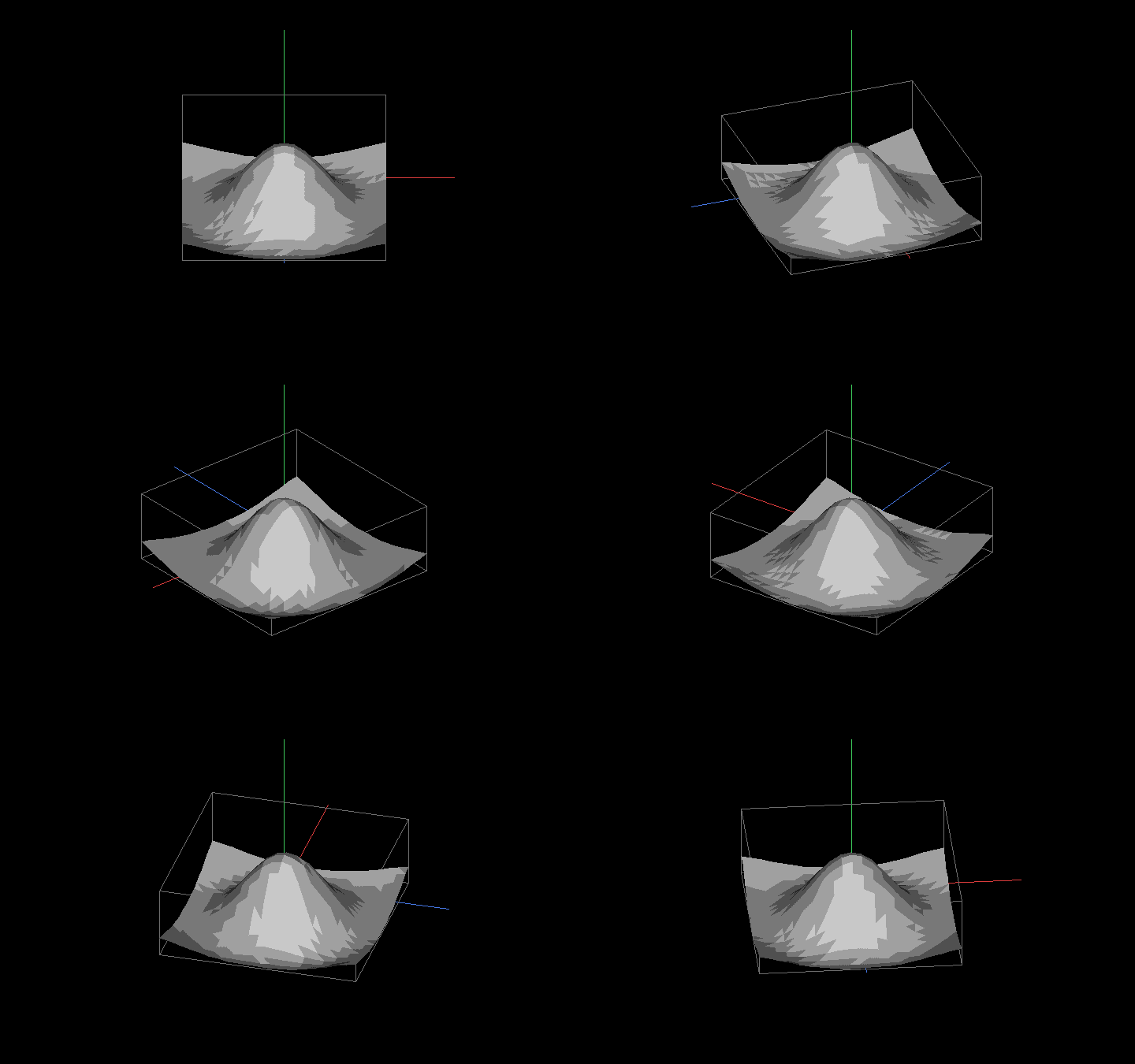
Charts. Scatter plots, bar charts, and 3D surfaces from plain PowerShell numbers.
Keyboard controls. Rotate, zoom, switch perspective, and change render modes while it runs.
A terminal that can draw sixel graphics. Known-good options are Windows Terminal, WezTerm, iTerm2, mlterm, and xterm started with -ti vt340. If your terminal can’t draw sixel, Out-3d tells you so instead of printing garbage.
If you already have the 0.0.7 preview installed, run Update-Module DDD instead.
Out-3d Moved Into the Terminal
In the preview, Out-3d opened a separate OpenGL window, and it only worked on Windows. Out-3d for Mac and Linux was the first item on my “What’s Next” list back then.
Out-3d now draws the scene inside your terminal using sixel graphics, a decades-old way for terminals to show pixel images. There’s no window and no graphics driver, and it runs the same code on every OS. When you exit, your terminal goes back to exactly what it showed before.
The scene slowly rotates on its own until you press a key to take over:
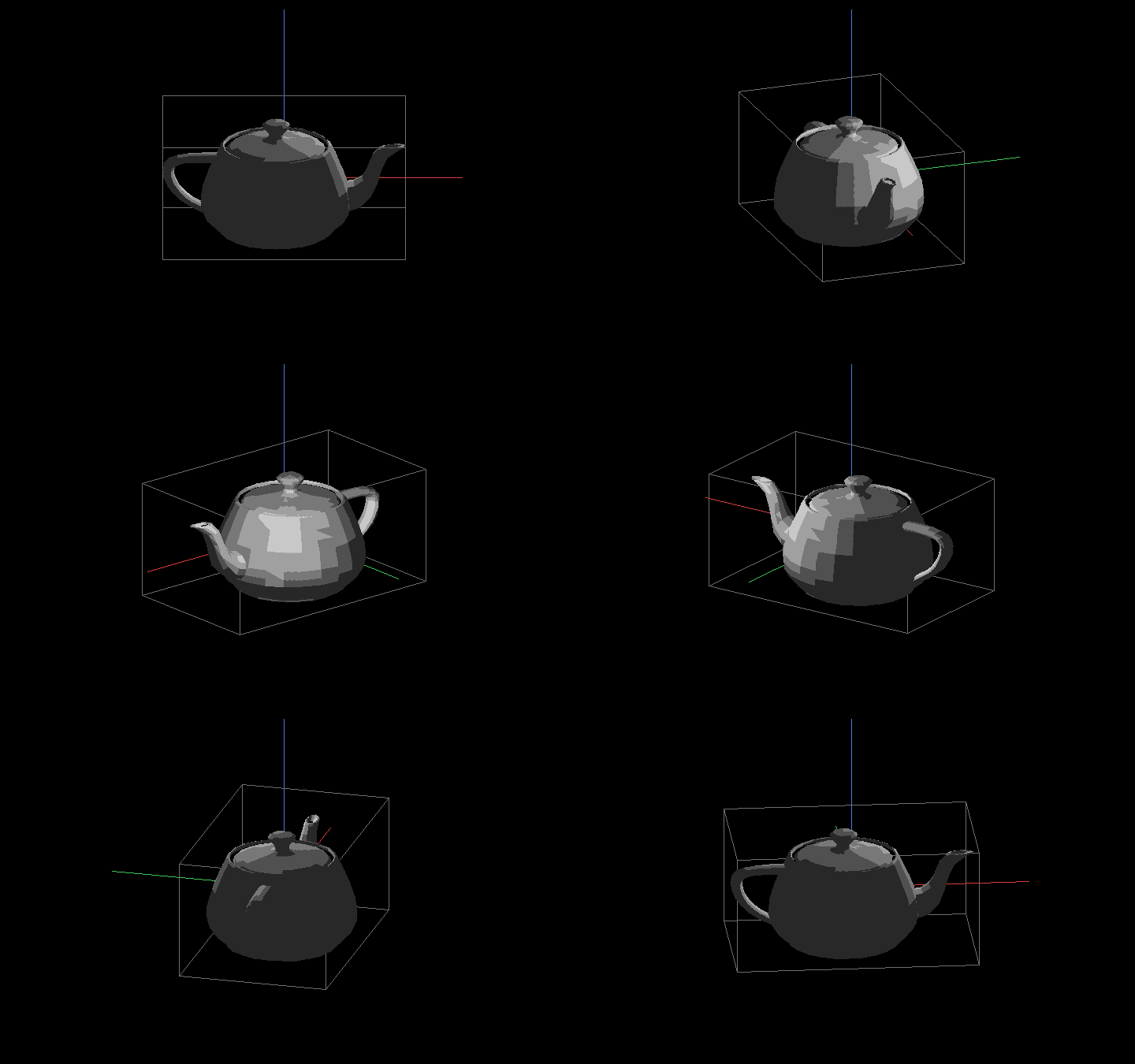
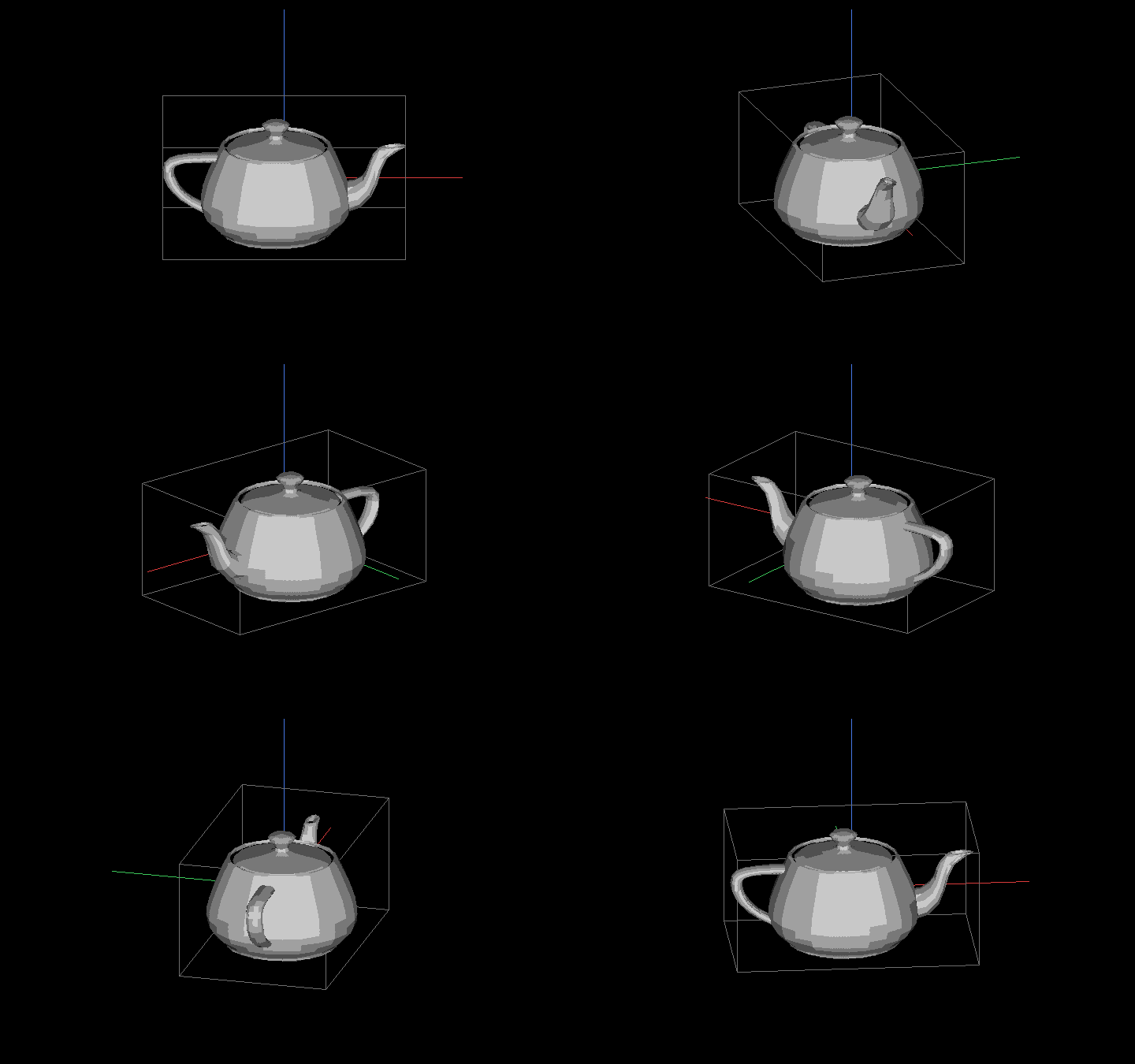
The preview’s last demo was a teapot. It downloaded an .obj file and used a regular expression to pull the vertices out. The teapot is now built in, along with two other famous test models from computer graphics history:
They’re bundled inside the module, so no internet connection is needed.
Lights and Materials
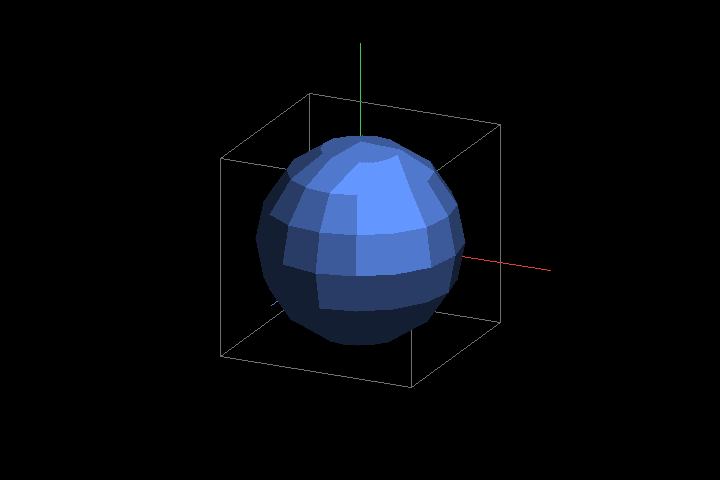
Solid mode shades each face with ambient, diffuse and specular light. With no lights, a default “headlamp” lights whatever faces you. Pipe in your own lights with New-Light, and give a mesh a color and shine with New-Material:
The Where-Object line is there because Out-3d doesn’t accept cameras yet, so the camera has to be filtered out before viewing. Animation isn’t imported yet either.
Charts
This is the part I’m most excited about. You can turn plain PowerShell numbers into a chart:
(The comma in ,@(...) stops PowerShell from flattening each row into one long list.)
What’s Next?
Back in 2020 I listed what I wanted to build next. This release covers a good part of that list: Out-3d on Mac and Linux, edges and faces, color, PLY, and glTF. Here’s what’s up next:
Save renders as PNG. Aim the view in Out-3d, press a key, and get a full-quality image. PNGs aren’t limited to sixel’s small color palette, so this also allows smoother shading, colored lights, and new render styles like wireframe-on-solid and X-ray.
Camera support in Out-3d. View a scene from a New-Camera shot.
Animation. Play and export a sequence of frames (PNGs you can turn into a video).
More charts. Line graphs, and numbers on the axes.